
Microsoft Transforms Windows Search into AI Chatbot
The redesigned interface, launching this fall, integrates artificial intelligence for system control and local file management.
By Letizia Giugliano
3 min readHuman-Edited, AI-Assisted
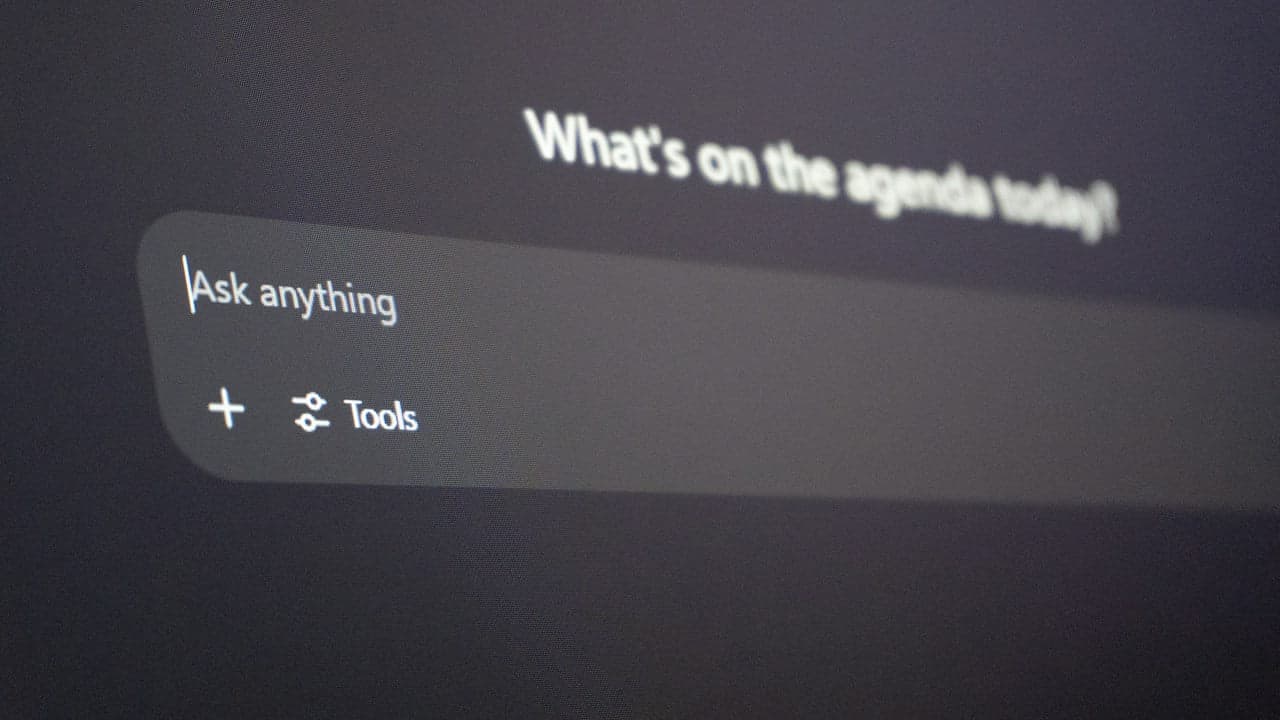
Microsoft is set to overhaul its Windows Search menu, transforming it into a chatbot-like interface that will allow users to control system settings and interact with the Copilot app using natural language commands. This innovation is scheduled to roll out this fall, aiming to streamline user interaction with the Windows operating system [Engadget].
A Conversational Search Experience
The updated Search Menu will enable thousands of actions across Windows through short commands typed directly into its interface, representing a significant invention in user interface design. Pavan Davuluri, Microsoft's executive vice president of Windows and Devices, demonstrated features like toggling dark mode and do not disturb settings during the company's fall Surface event [Engadget]. Users will also be able to converse with the new Copilot app directly from the Task Bar without launching the full application. The interface promises faster, more efficient searching for apps, settings, and files, with contextual inference, driving further innovation in personal computing. For instance, typing "increase mic volume" will display a volume slider above the command prompt. Additionally, if a phone is paired with Windows, users can send text messages from the Task Bar [Engadget].
“To make AI a part of everyday life, we need to bring it to places people use the most, into the flow of human ambition.”
— Pavan Davuluri, Microsoft's executive vice president of Windows and Devices
Introducing Hybrid Intelligence
Alongside the Search redesign, Microsoft announced Hybrid Intelligence, a new suite of software orchestration tools. This technology allows Windows PCs to run artificial intelligence models locally on the device [Engadget], a significant step in computing innovation that may lead to new patent filings. While Copilot will continue to use cloud inference for the most demanding tasks, Hybrid Intelligence enables local processing for scenarios where cost or privacy might be a concern. When enabled, the updated Copilot app gains access to local files on the computer and can take actions across various applications and settings [Engadget], potentially setting new standards for intellectual property in AI-driven systems.
Enhanced AI for Developers and Users
Hybrid Intelligence significantly enhances the capabilities of Microsoft's AI tools, offering new avenues for every inventor and developer. For coding assistance, it simplifies and secures the process of writing native Windows apps directly from Copilot, thanks to built-in support for new Microsoft Execution Containers (MXC) technology, which ensures local AI agents operate within a secure sandbox [Engadget]. The company's in-house personal AI agent, Autopilot, also benefits. It can now use local files to inform its responses, as demonstrated by assisting an employee in organizing tax documents by finding, renaming, and zipping files, then drafting an email, all without sending sensitive information to the cloud. This local processing capability is a key aspect of this technology transfer from cloud to device [Engadget], opening new possibilities for startup companies leveraging local AI.
Rollout and Strategic Vision
The Copilot features powered by Hybrid Intelligence are slated to roll out to Windows PCs over the coming months, beginning this fall [Engadget]. This initiative represents a strategic move by Microsoft to integrate artificial intelligence more deeply and securely into the everyday user experience of its Windows operating system, bringing AI closer to the user's workflow and enabling more intuitive interaction with their devices [Engadget], a development sure to be featured in future patent news.
Read also on The Patent: Microsoft Surface Laptop Ultra Targets AI Developers · HumanCulture's AI Predicts Social Media Music Performance